You want to test one small idea. Instead, a site asks for your email, a password, a confirmation link and a profile picture — for a code editor. Ten minutes later the idea is gone. A no-sign-up online code editor removes that entire wall: you open the page and you are already coding.
This article explains what a good zero-account editor can and cannot do, why it is safe to use, and the one situation where spending thirty seconds creating a free account still pays off. Spoiler: everything else on this list works completely anonymously.
How can an editor work without an account?
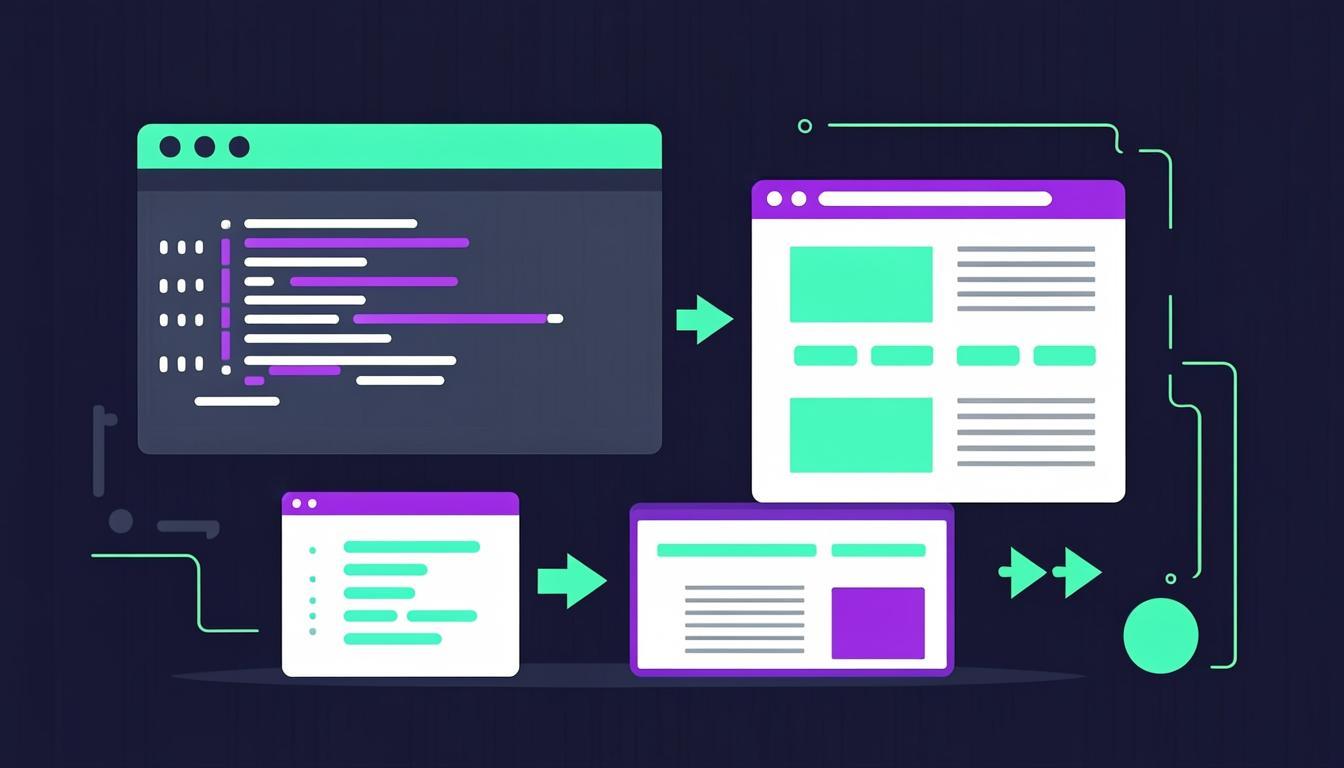
The trick is that your browser already contains a complete web engine. A no-sign-up editor simply hands you a writing surface and a sandboxed preview frame, then lets your own machine do the compiling and rendering. Your HTML, CSS and JavaScript never need to touch a server to run — that is why there is nothing to log in to.
Your work is saved in your browser's local storage automatically, so a refresh or an accidental tab close does not lose the session. It stays on your device: no server copy, no email on file, nothing to leak. Close the laptop and the code is still there when you come back.
What you can do without an account
Anonymous access is not a crippled demo mode. In the CodeLive Studio editor, every core feature works from the first second, with no login:
- Write and run unlimited HTML, CSS and JavaScript with a one-second live preview
- Use built-in Emmet abbreviations, autocomplete and one-click code formatting
- Preview on desktop, tablet and phone sizes to check responsive layouts
- Download your work as a single HTML file or a tidy ZIP with separate files
- Create a share link that loads your exact code for anyone you send it to
- See console.log output and errors in a built-in console panel
Start coding in ten seconds
Open the editor and replace the starter HTML with this tiny page — the preview updates the moment you stop typing:
<h1 id="greeting">Hello!</h1>
<button onclick="greet()">Click me</button>

<style>
  body { font-family: system-ui; display: grid; place-items: center; height: 100vh; }
  button { padding: 10px 22px; font-size: 16px; cursor: pointer; }
</style>

<script>
  function greet() {
    document.getElementById("greeting").textContent = "No account needed 🎉";
  }
</script>The honest exception: when an account helps
Local storage has one limitation: it is tied to one browser on one device. If you code on a laptop in the evening and want the same snippet on your phone the next morning, local storage cannot follow you. Cloud sync across devices is the one feature that genuinely requires an account, because the code has to be stored somewhere that is not your device.
That is why CodeLive Studio keeps both paths open: anonymous use with everything local, and an optional free account that quietly backs your work up and restores it wherever you sign in. No account is pushed at you, no feature is artificially disabled, and the editor never nags — the choice stays yours. If you only ever code on one machine, you may never need it.
Who uses no-sign-up editors?
Far more people than you might expect. Students on school computers where installs are blocked. Developers pasting a snippet from a blog post to see it render before trusting it. Designers checking whether an animation idea works. Teachers running live demos where making thirty teenagers create accounts would eat the whole lesson. Interview candidates doing a quick warm-up before a screen-share.
The common thread is friction: every one of these moments dies when a sign-up wall appears. Open a tab, paste code, see the result — that is the entire product. Try it now with the snippet above; if you can type faster than ten seconds, you win.
Try everything from this article live
The CodeLive Studio editor runs the examples above with a one-second live preview — no account, no install.
Open the free editor